
College coaches may check more than your highlights. A clear pinned video, a sensible comment section, and an organized bio can make your profile easier to evaluate.
Pin one clip, and make it the right one
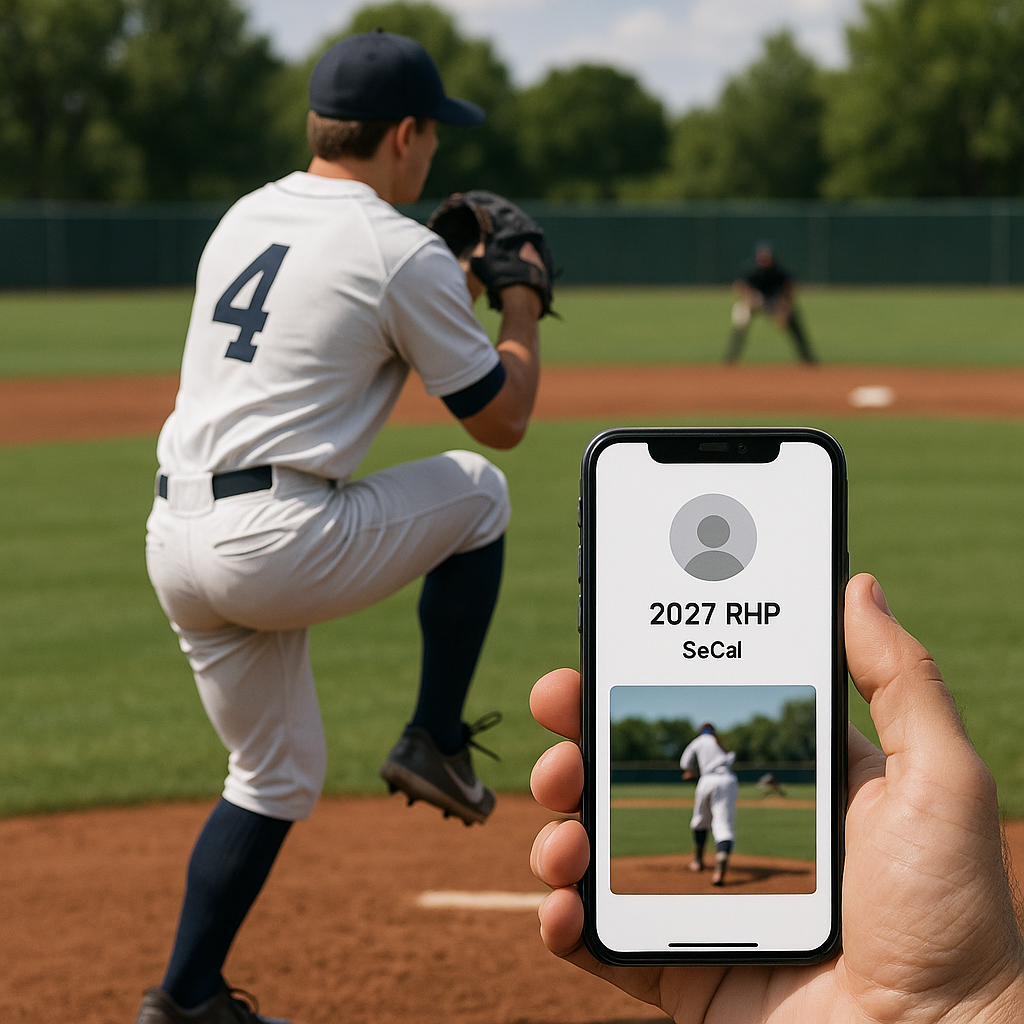
A pinned clip gives coaches an immediate look at how you play. They may reach your profile through a direct message, a roster link, or a tagged tournament post, so the first video should make the evaluation easy. If the first thing I see is a cinematic montage with music, ten jump cuts, and a radar reading that flashes once, a busy montage can make the useful details difficult to evaluate.
Pin a single at-bat or a short defensive sequence where the camera stays put, and the whole play breathes. Show what happens before the pitch (your tempo and how you set your feet), what your eyes do as the ball travels, and what you do right after contact. If you're a pitcher, the pinned clip should show more than one pitch type in a row, from the same angle, with the catcher and the plate visible. A coach isn't watching to be entertained. The footage should help a coach assess repeatability and movement during normal game action.
Two small details make your pin feel grown-up. First, title it like a file you would send to staff: your name, grad year, position, and a quick location note ("2027 RHP, SoCal") is enough. Second, lock the comments if your feed tends to get noisy. Not because you can't take heat, but because a coach doesn't need to read your cousin arguing with a stranger about strike zones. The pin should be calm and boring in the best way. When it's clean, it signals you understand the evaluation process, and that matters way more than people admit.
Public comments can raise questions
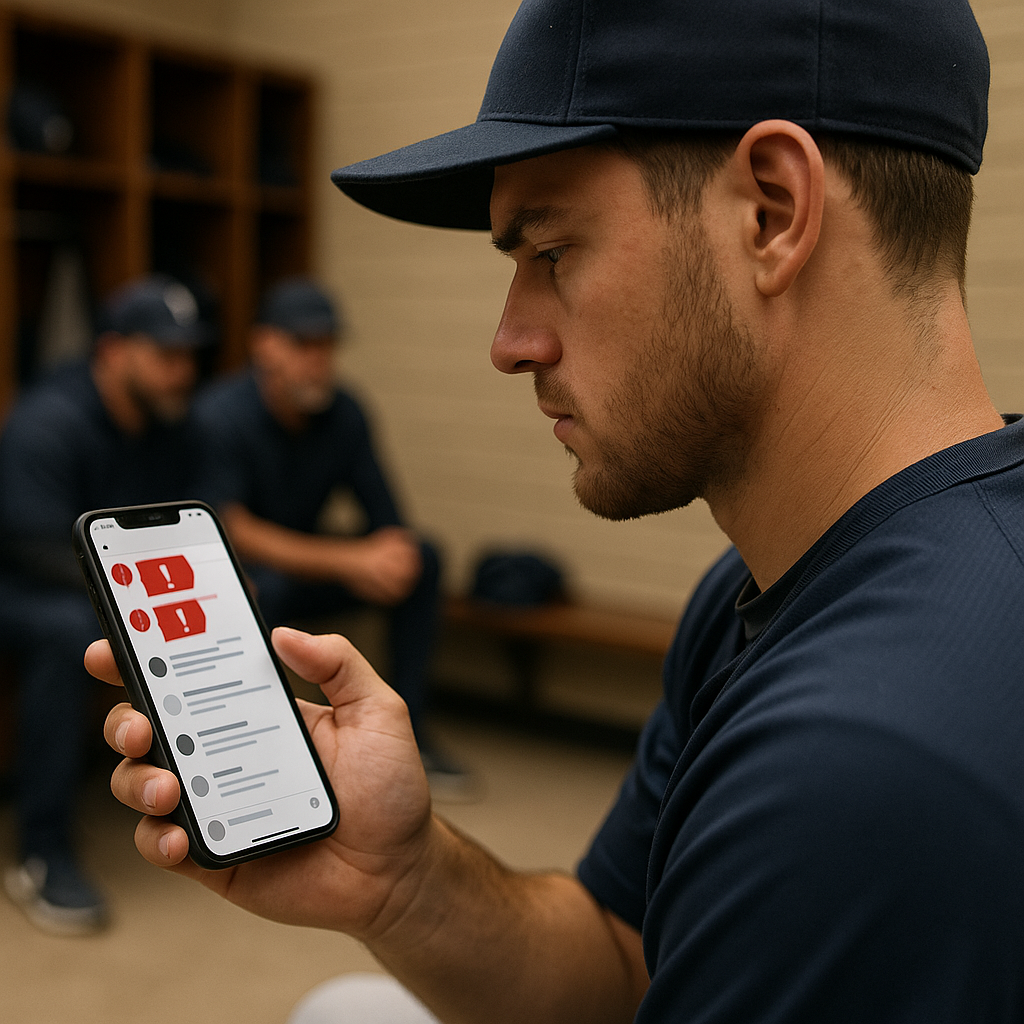
Here's the uncomfortable part: coaches notice the tone around you, even when you didn't start it. Coaches may review a recruit's public social media activity, and hostile or offensive exchanges can raise concerns. You cannot control every comment, but you can moderate what remains visible on your page.
If your posts routinely pull in chirping from opponents, weird gambling accounts, or the guy who thinks every umpire is out to get him, take it seriously. You don't have to be a hall monitor. You do need to show you can set a boundary. Delete the ugly stuff. Restrict comments on certain posts. If someone is tagging you into arguments, remove the tag. Those simple steps keep unrelated arguments from dominating your recruiting content.
Your own posts matter more than the comments other people leave. Supporting teammates and thanking tournament organizers reflect well on you, while insults, excuses, and arguments after losses can distract from your playing record.
You do not need inspirational captions. Keep the page respectful, focused on baseball, and free from unnecessary disputes.
The bio link that saves coaches a dozen clicks
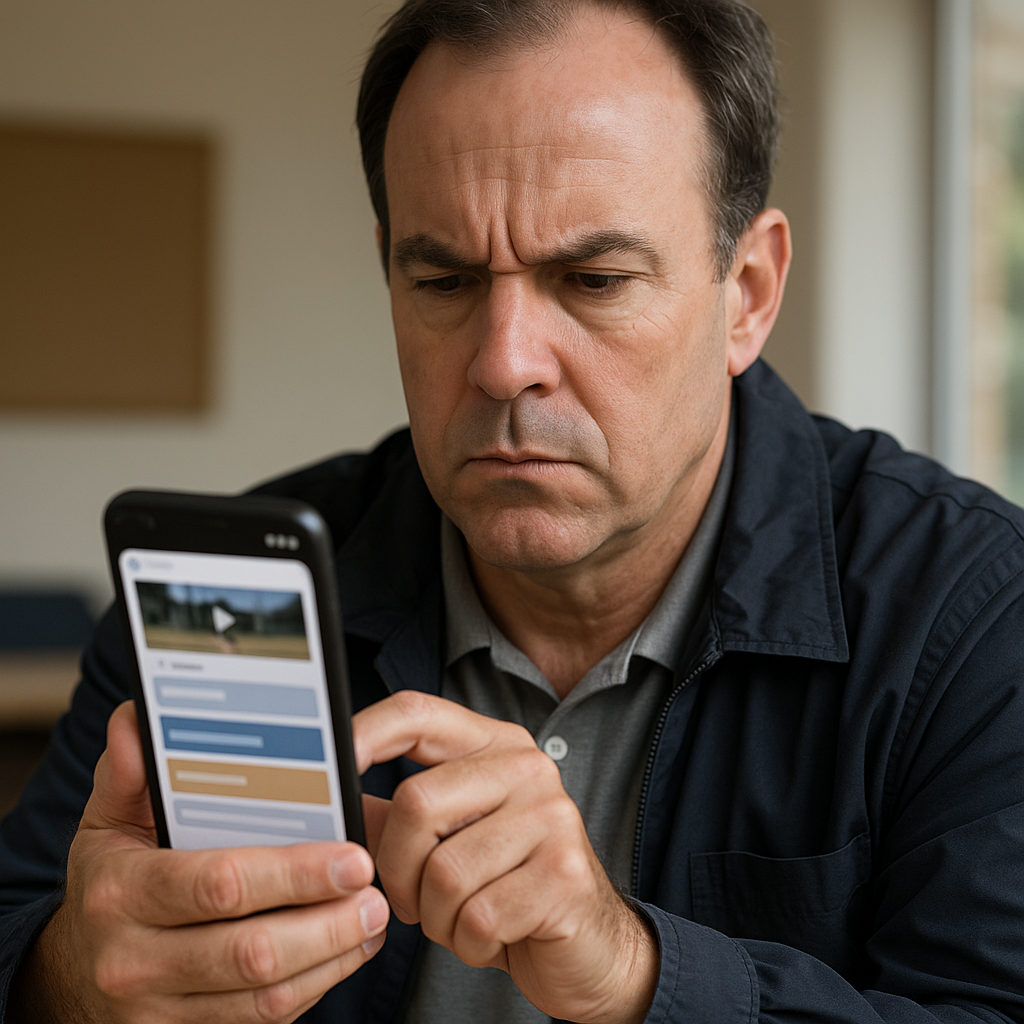
Most players treat their bio like a bumper sticker: a couple emojis, a school, and maybe a GPA. Coaches want to find useful information without unnecessary steps. Multiple apps, logins, and scattered story highlights make basic information harder to find. A direct route to your video, schedule, and contact details helps coaches evaluate your profile efficiently.
The fix is boring and effective: one link in your bio that lands on a simple page with everything in one place. A basic Google Sites page works. So does a clean link hub, as long as it doesn't look like a nightclub flyer. Put your name and grad year at the top, then four things in this order:
- Video: your best full clip first, then a couple of secondary angles.
- Measurables: height/weight, throwing/exit velo if you have verified numbers, and your primary/secondary positions. If it's a facility test (Rapsodo/TrackMan), say so. Don't pretend it's from a stadium gun.
- Schedule: upcoming varsity games, summer team events, and showcases with dates and field locations.
- Contact: your email, your coach's email, a dedicated recruiting email, and your high school or club coach's verified contact information. Keep it clean, no paragraphs.
Coaches notice the difference between a page that was thrown together at 11:30 p.m. and one that's maintained. Update the schedule weekly during the season. Remove old events. If you re-post a clip, make sure the link still works. Working links and accurate information make follow-up easier. A coach who can quickly identify the essentials has a clearer reason to keep evaluating you.