
Three device changes I use to help my teen sleep better and use recovery data without stressing over it.
Lock the phone before the scroll does
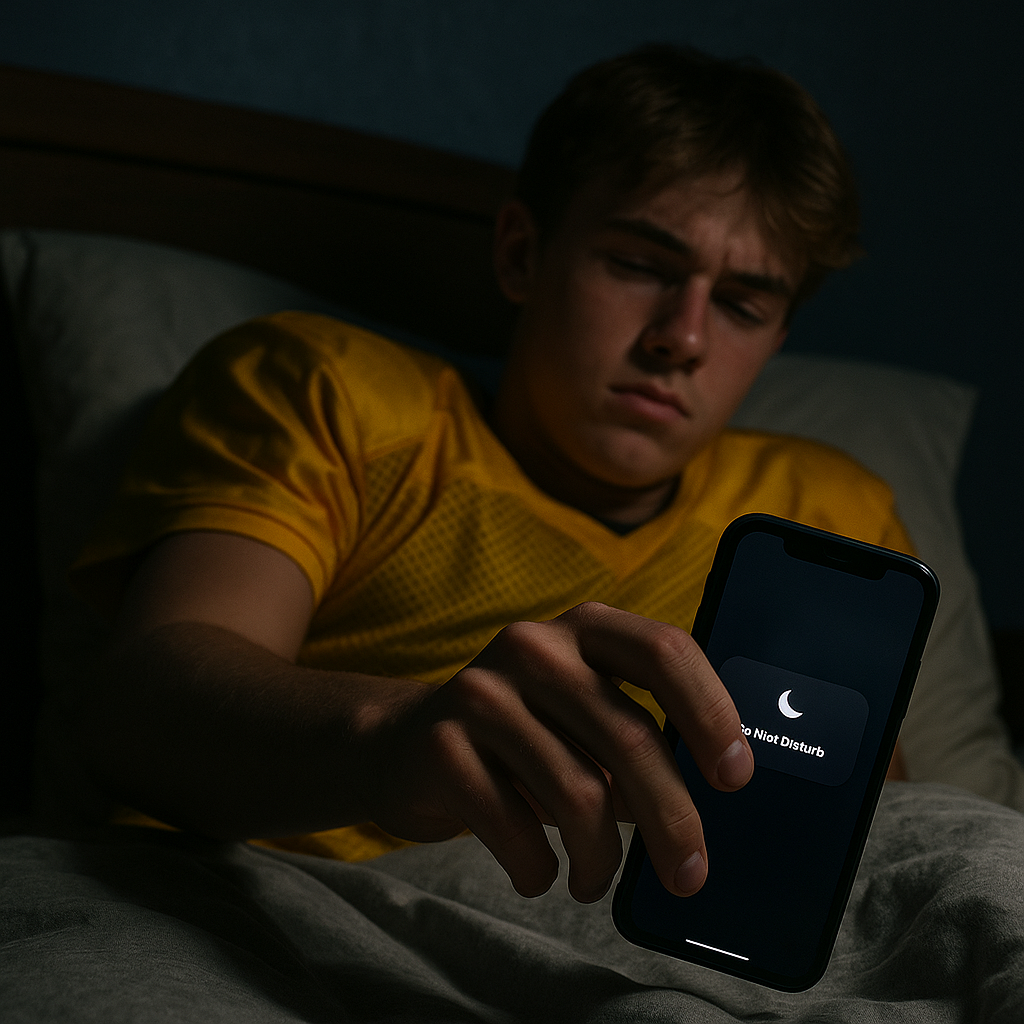
I started paying attention to this after a Friday night game when my kid said he was in bed by 10:30, but his phone was still lighting up the room at 12:07 with Snap streaks and a group chat dissecting a missed block. The next morning, he looked puffy and flat in warmups. I couldn't know exactly why, but the late-night phone use wasn't helping his sleep.
My fix isn't a lecture. It's a rule that the phone can help enforce when teenagers have trouble sticking to it. On iPhone, set up a Sleep Focus (or at least Do Not Disturb) that turns on automatically and filters notifications so only important contacts can get through. The useful part is scheduling it to turn on around bedtime. I like it tied to school nights because it fits around early practices, school, and the mornings after away games.
Two settings matter more than the rest:
- Allow Notifications: keep it to parents/guardians and one coach number for legit late changes.
- Home Screen: hide notification badges and put only boring apps on the Focus home page. If Instagram and TikTok aren't on that Home Screen, they're a little less visible when the phone is supposed to be winding down.
On Android, similar tools are available through Digital Wellbeing, including Focus mode and Bedtime mode. Either way, the goal is to reduce notifications and other distractions before bedtime. I don't care if they check a weather app or set an alarm. I care about reducing late-night screen exposure and the stimulating content that can make it harder to wind down.
Reduce late-night screen light
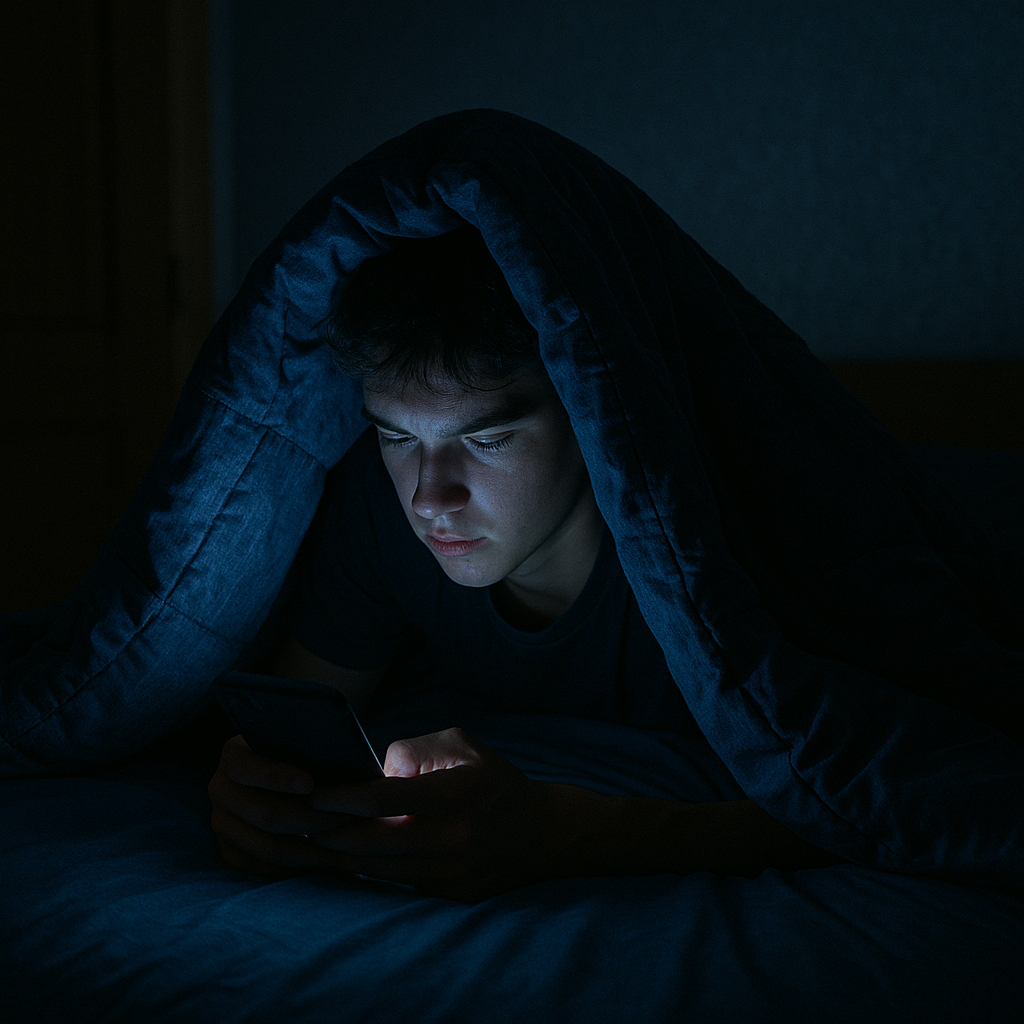
You can usually tell when a teenager is still using a phone in bed. The screen is glowing under the covers. That's more than annoying when a teenager needs enough sleep to feel rested for school and practice.
I used to nag about putting the phone away. Now I go after the screen itself. On iPhone, Night Shift can reduce the amount of blue light from the display, while Android phones may offer Night Light or similar display settings. Schedule the setting for before bedtime rather than after they are already in bed. If it starts after they've already spent an hour scrolling, the setting is arriving after much of the late-night screen use has already happened.
Here's what I use:
- Night Shift/Night Light: scheduled to start before bedtime, with the display adjusted to a warmer setting if they prefer it.
- Brightness: keep it low enough to avoid a bright screen in a dark room. Auto-brightness can also be useful if the phone is being used in different lighting conditions.
- Reduce the white point (iPhone) or set to extra dim (some Androids): this can make the display less intense if the regular brightness setting still feels too bright.
This isn't just about the screen looking bright. Late-night screen use can make it harder to wind down, while getting enough sleep is important for adolescents. If a teenager is regularly tired at practice, sleep is worth looking at before assuming they need more training.
After night games, I also try to limit phone use on the ride home. Those rides home are prime time for highlight hunting and argument threads. Changing the display can make the screen less harsh, but reducing late-night phone use is the bigger goal.
When recovery apps make kids anxious, I change the dashboard
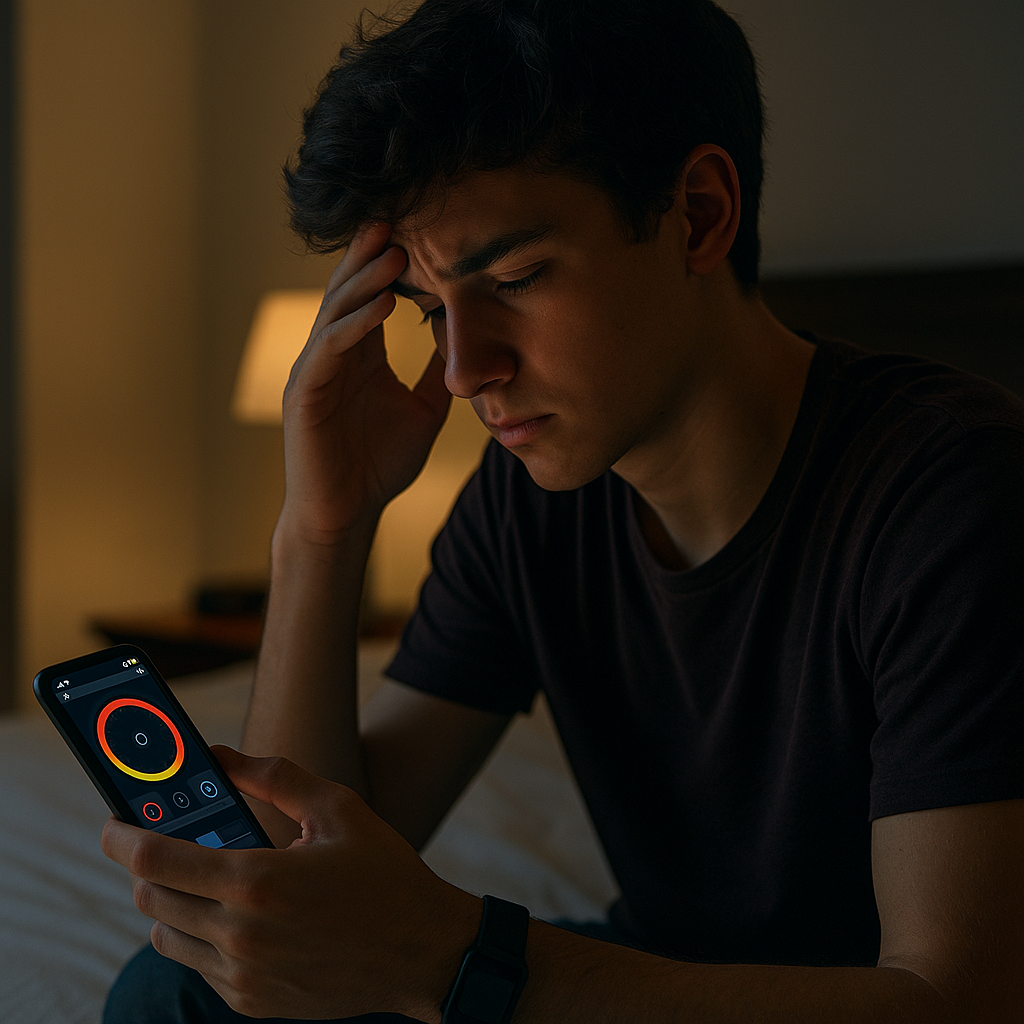
I've seen teens become overly focused on recovery numbers. They check a wearable app, see a low score, and start worrying about what it means for the next day's training. That can turn a tool meant to provide information into another source of stress.
So I treat the app like a car dashboard. You don't need to monitor every metric. Focus on the information that actually helps you make a decision about the next day.
What I do during the season is simple:
- Turn off score notifications. If the app allows it, I shut off daily push alerts and make them open it on purpose, later.
- Pick one metric to glance at. If you're using a wearable, you might focus on a few measures, such as sleep duration, rather than checking every available metric. I don't want them making decisions based on a single HRV reading or recovery score.
- Use the notes feature like a simple log. One line: late homework, cramps, bus arrived at 12:15, legs felt heavy during warmups. That context can help you look for patterns without making the numbers the focus.
There is also a social side to this that adults can easily overlook. Teens compare everything. If one kid posts a recovery screenshot in the team group chat, other athletes may start comparing their numbers. I tell mine not to post their numbers, compare them with teammates, or treat a low score as a verdict on how they are doing. Use the data to make a decision (go to bed earlier, keep the lift lighter, take a long walk after school), then close the app. The numbers should be one source of information.