
A virtual baseball showcase gives coaches a quick look at how you move, throw, hit, or field. However, shaky footage, unclear labels, and overly edited clips can make that evaluation harder. These three simple changes can make your showcase easier for coaches to review.
Use the Right Camera Angle for Each Position
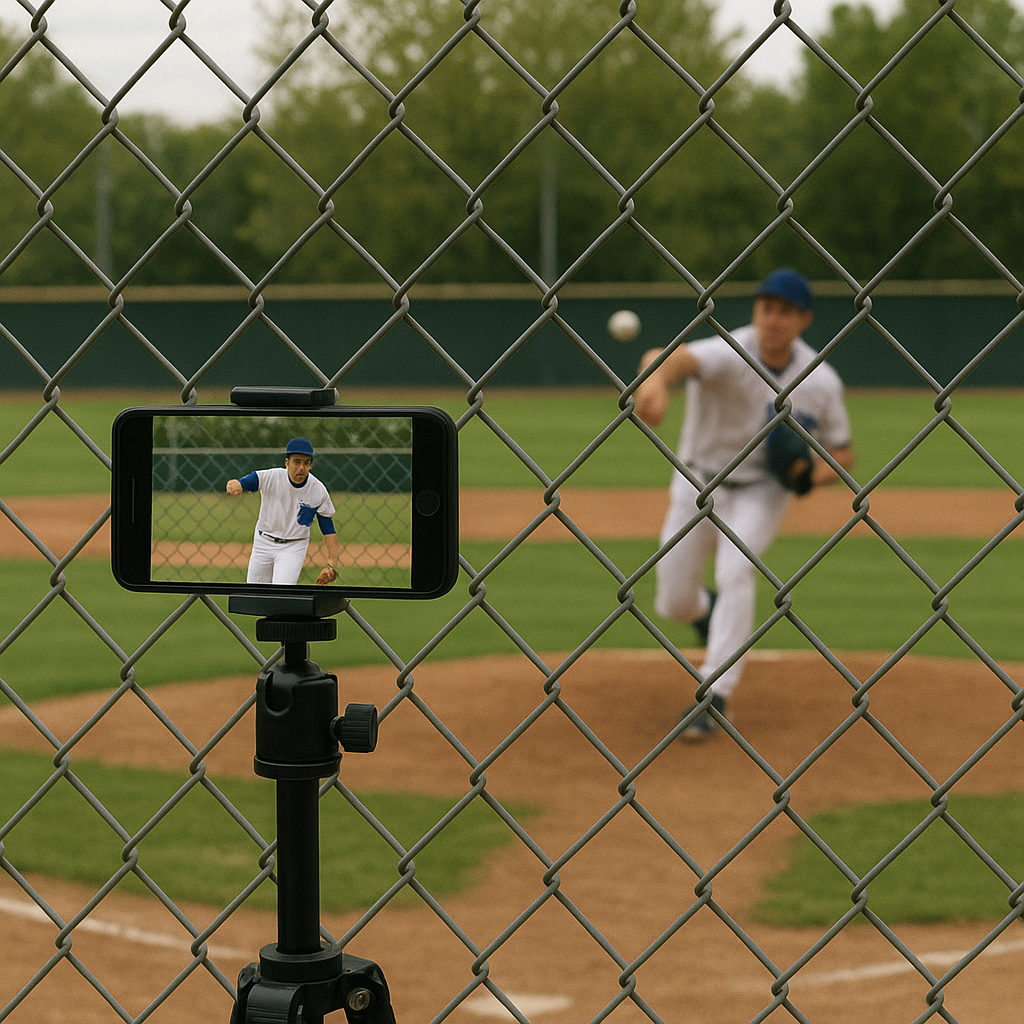
A shaky phone camera can quickly hurt the quality of a virtual showcase. If the hitter is blurry or the ball disappears as soon as it leaves the bat, coaches cannot clearly evaluate the swing or contact. A chain-link fence behind the mound can also steal focus and make a decent fastball look less impressive because the ball becomes difficult to track.
For a mound pen, infield workout, or outfield throwing session, start with a stable camera setup. Put the phone on a tripod (or at least a fence mount), lock exposure, and focus on the athlete's jersey before the rep starts. If your camera app has AE/AF lock, use it. Then get the angle scouts are used to: for a pitcher, slightly off to the glove side so you can see stride, hip-shoulder separation, and where the ball is coming out. A camera directly behind the catcher can work for evaluating command, but it can hide parts of the pitcher's delivery.
For hitters, I like two angles. First, a side view down the line at about chest height to show load, hip turn, and barrel path. Second, a rear angle from behind the hitter, but offset enough that you can still see the plate and the ball's flight. If the netting causes the camera to lose focus, move a few feet left or right until the hitter and the ball stay in view. The clip needs to be readable at full speed.
Label Every Clip Clearly for Coaches
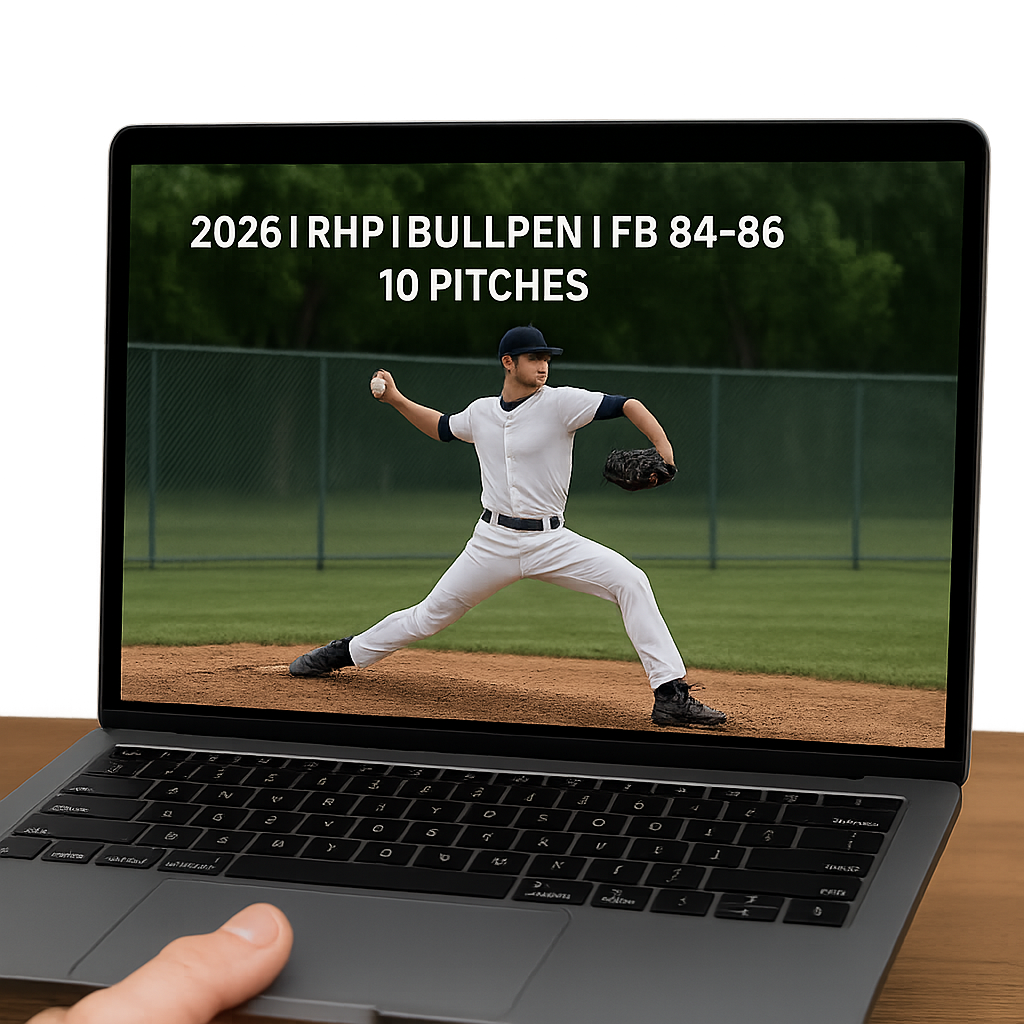
Coaches do not watch your virtual showcase the way your teammates do. If you hand them a single eight-minute video named IMG_4821 with no structure, you're basically asking them to build the index for you while their phone is blowing up with other prospects.
Players should treat their clips as if they were turning in a scouting packet. Each rep should get a label on screen for 2 seconds at the start, and that label should be the file name. Example: 2026 | RHP | Bullpen | FB 84-86 | 10 pitches. Or: 2027 | SS | Infield | 5-6 hole | 6 throws. Put the grad year first, as many coaches use it to quickly sort prospects. Put the position next so it doesn't get misrouted. Then name the segment and include only details you can verify, such as pitch type, number of pitches, or drill type. If you don't have verified velo, don't paste a number you "think" you hit. Just write what it is: FB command set, short box, or BP rounds.
Before filming, make a note on your phone listing the order of each drill. For pitchers, this could include five fastballs to the glove side, five to the arm side, five changeups, five breaking balls, and three final fastballs. Hitters can use three rounds that show different types of hitting, such as front toss, machine work, and coach or live pitching. Catchers should separate receiving and blocking drills from throwing drills so coaches can quickly find pop times. Infielders and outfielders can group drills by movement, such as slow rollers, backhands, forehands, and throws.
You want to help coaches find the information they need without having to dig through the video. Clear labels keep the focus on the athlete rather than the editing.
Include an Uncut Sequence
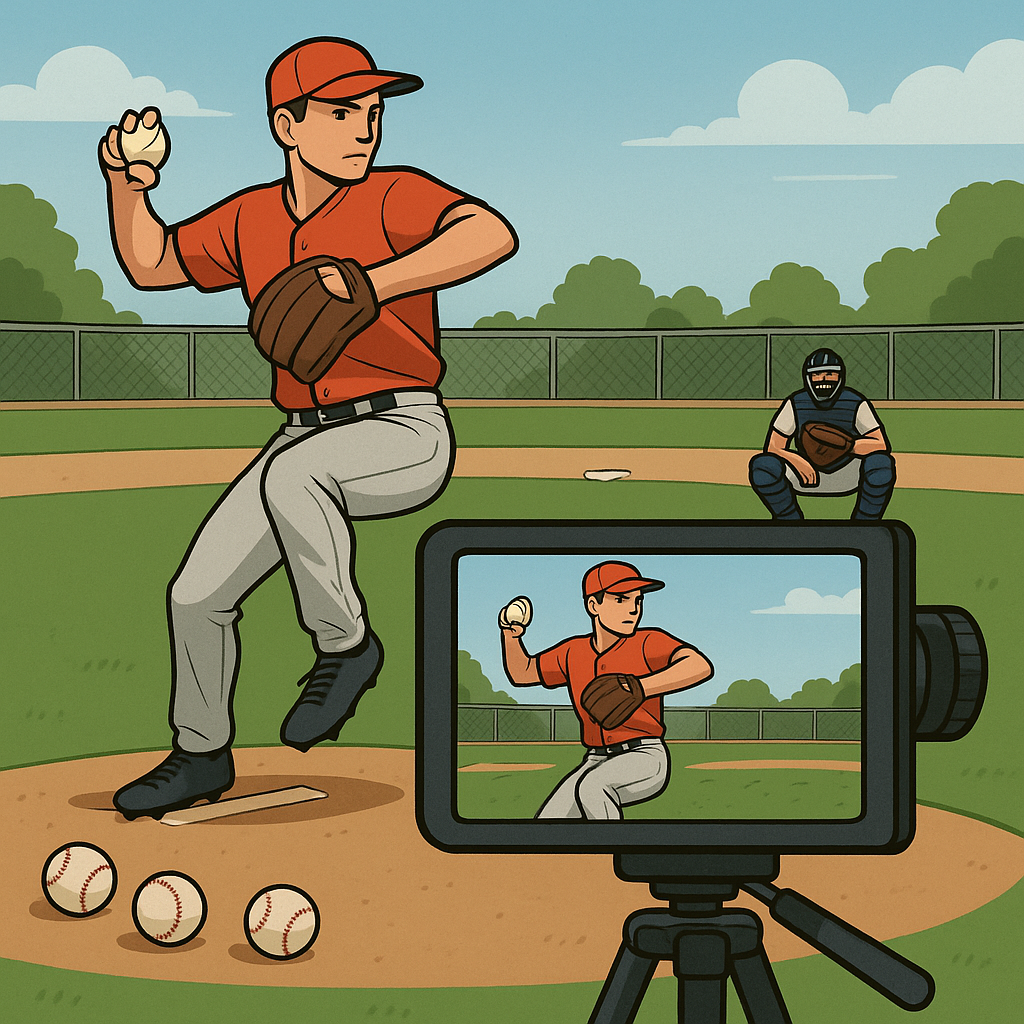
A heavily edited showcase can make it harder for coaches to judge whether an athlete can consistently repeat the same movement. So always include one uncut sequence where the camera catches everything, mistakes and all.
For a pitcher, that might be eight to ten pitches from the same angle with the catcher set up in different spots. You want a couple misses in there, honestly. If every pitch is perfect, the video can look overly edited. Let the viewer see the tempo between pitches, the way you reset, and whether your finish stays athletic when you try to do a little more. If you have a radar reading from a facility or a Pocket Radar on a tripod, show it once at the start, then stop pointing the camera at the screen every rep.
For a hitter, I like an uncut round of eight swings with pitches that are not identical. Front toss that floats is fine if that's what you have, but vary the location. Keep the audio so coaches can hear the contact and see how you adjust when you get tied up. If you're a catcher, include one continuous block-and-recover series followed by a throw so coaches can see your footwork. If you're a middle infielder, run an uncut set with fast feeds.
Coaches know what practice looks like. When your video looks like practice, it gets evaluated like a player.