
From the opening seconds to the pinned comment, these are the tweaks I use to make recruiting clips easier to watch and evaluate.
Start With the Play
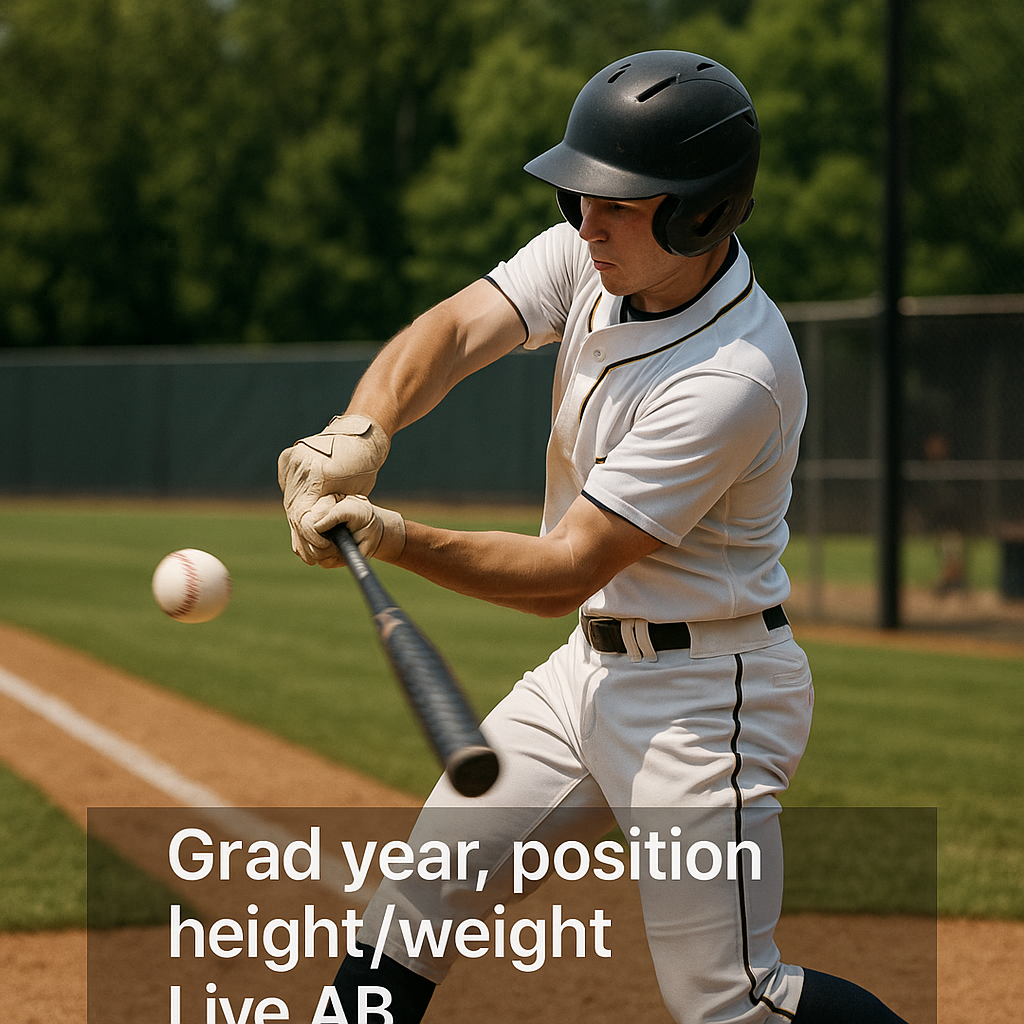
I learned this the dumb way: I posted a clean double down the line, but I let it open on me walking back to the dugout and adjusting my batting gloves. It felt harmless. On TikTok, it gave viewers a reason to swipe. You may have only a few seconds to earn a viewer's attention. If the first frame doesn't show the action, you're giving viewers a reason to swipe.
My fix is boring and brutally effective. I trim so the very first frame is contact or release, then I add a one-line text tag that answers the question a coach is asking while his thumb is hovering: who is this and what am I about to see? I keep it tight: grad year, position, height/weight, and a simple label like “Live AB” or “Game mound.” If it's a defensive play, I start on the catch. If it's a pitching clip, I start at leg lift.
One more thing that helped: I stopped letting the audio be the default wind noise and parents yelling. If I keep sound, it's because the crack of the bat or the pop of the mitt sells the rep. Otherwise I mute it and let the clip breathe.
Use a Scoreboard Overlay, but Keep It Honest
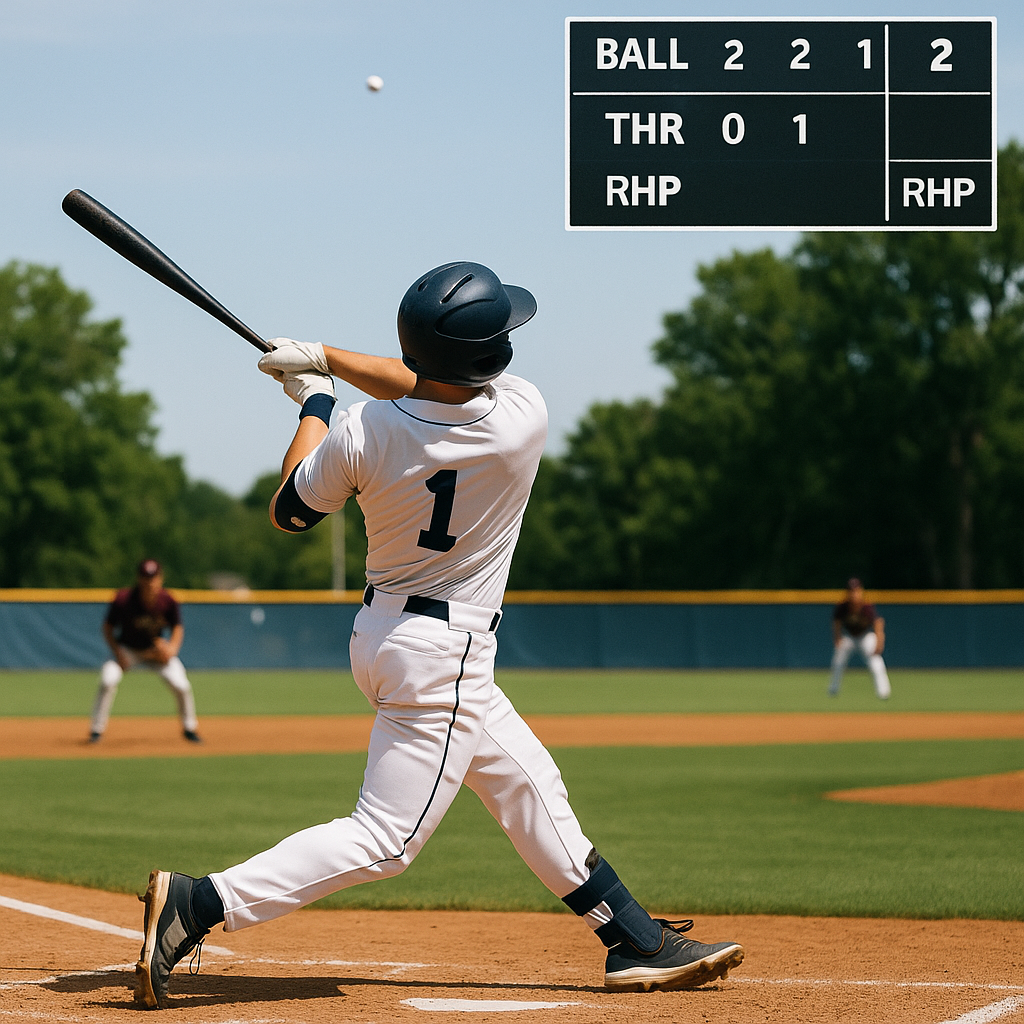
Coaches need enough context to know what they're watching. A 0.7-second clip of a ball leaving the yard may be fun to watch, but it doesn't tell a coach much about the situation, the level, or the pitcher you faced.
I started adding a simple scoreboard-style overlay in the top corner with the count, inning, and a quick opponent or event tag. If I don't know a pitcher's velocity, I don't guess. I might add “RHP” and leave it at that, or I pull the TrackMan/Rapsodo reading only when it's from the actual session and I can show the screen for a beat. Same with pop time or exit velo. If it's not yours to claim, skip it. If you include a measurable, make sure it comes from that actual session or game.
This is where framing matters too. For hitters, I keep the camera wide enough that you can see the load, the stride, and the first 10-15 feet of ball flight. A tight crop on the barrel looks cool, but it hides the move. For infield work, I want the throw in frame. A coach can't evaluate arm action on a clip that cuts the ball off the second it leaves your hand.
My favorite small add is the field label. “Perfect Game Jupiter” means something. “HS district semifinal” means something. “Indoor cage” means something. Context doesn't make you better, but it keeps your best rep from looking like every other random highlight on the app.
Pin the Coach-Facing Details in the Comments
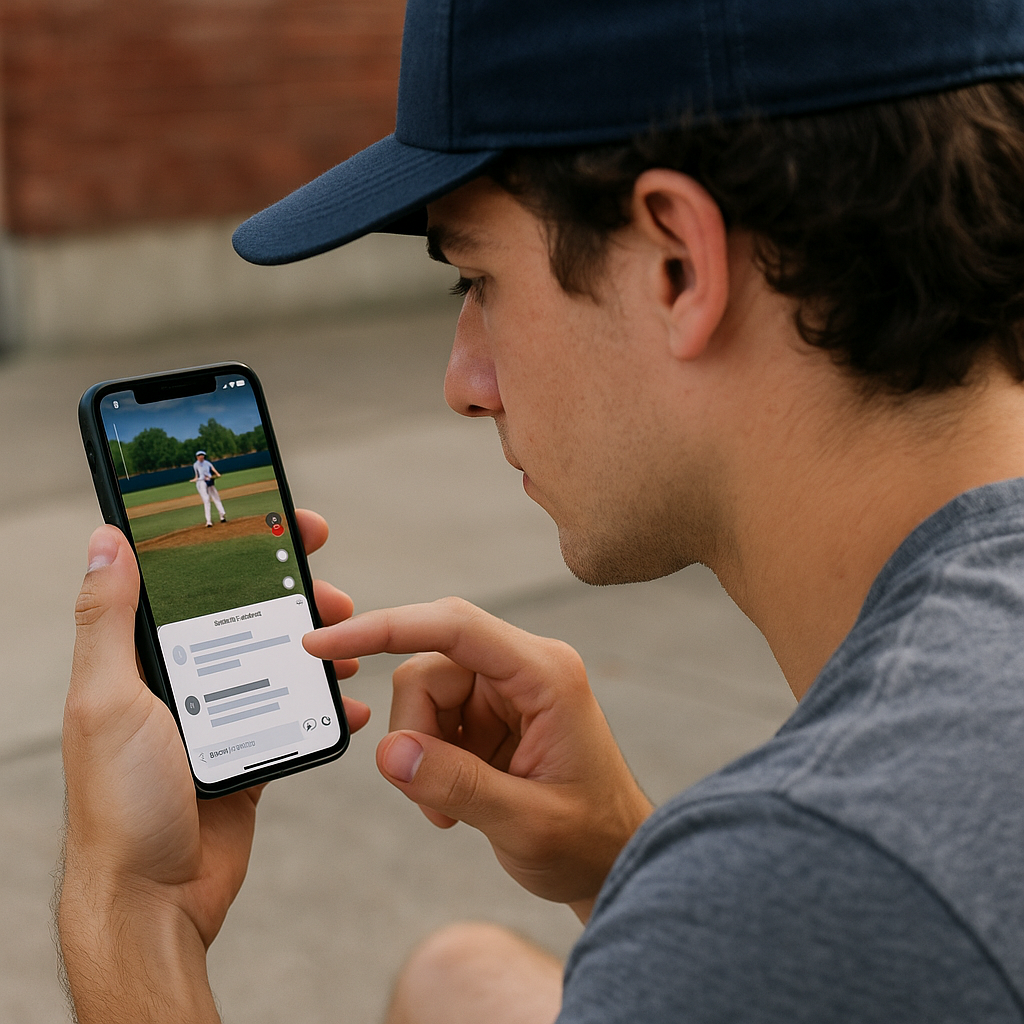
Your profile should make your recruiting information easy to find. TikTok gives you a tiny space, and most players burn it on a quote, an emoji stack, or a link tree that takes three taps to get anywhere. If a coach has to work, he'll just keep scrolling. So I started treating the pinned comment like the top of a player profile.
Here's what I pin, in this order, so the key recruiting information is easy to find: name, grad year, primary position(s), throwing/batting, height/weight, and a clean contact line. I don't mean “DM me.” I mean an email address that doesn't look like it was made in fourth grade. If you have a recruiting coordinator or coach who wants emails routed through them, put that address there too. Then one link, not three: a single page that has your schedule and longer video, like a YouTube playlist or a simple profile page. I add the date and field when the clip comes from a specific event, so the context is clear.
And yes, I still keep it TikTok-native. I'll reply to a couple comments so it doesn't look like a dead bulletin board, but I don't argue with strangers about whether the pitcher balked. The pinned comment is for someone who may be evaluating the clip.
The surprising part: doing this also cleaned up my own process. When I post a new mound clip, I already know what I'm claiming, where it happened, and how someone can reach me. That little bit of discipline keeps your feed from turning into a highlight scrapbook and turns it into something a recruiter can use in 20 seconds.