
A coach is scrolling on a phone between innings. These three posting habits can make your clips easier for coaches to evaluate.
Post One At-Bat, Not Ten Cuts

I like a good showcase clip as much as anyone, but the footage most useful to a coach is often simple and easy to evaluate. If you want to make social media do something a showcase can't, stop posting ten swings stitched together like a music video. Post watchable at-bat.
Here's what I mean by a watchable at-bat. Start recording before you step in so the full plate appearance is captured. Keep the frame wide enough to see the pitcher, the catcher, and your lower half, because a swing without feet is just a bat blur. If you can, leave the audio in. You can hear the contact quality, the catcher receiving, and sometimes the bench chirp that tells you whether the other team thought that foul ball was loud or just loud to your mom.
Then leave in the parts kids love to delete: the take on 0-0, the foul ball that changes the count, the way you reset your hands, the decision on a borderline pitch. A full plate appearance gives a coach more context than a clip showing only your best swing. If the at-bat ends in a walk, post it anyway. Watching you spit on a slider off the plate in a 2-2 count is its own kind of flex.
If you're worried it looks slow, add one line of text at the top with the basics (grad year, position, and a simple timestamp like "July 2026").
Write Captions Like a Scouting Note

Most player captions read like they're trying not to say anything, or they go the other direction and turn into a motivational poster. Neither gives a coach much useful information about the clip.
Write it like a scouting note you wish someone would attach to your video. Specific, factual, and tied to the play on-screen. If it's a bullpen, say what it is: "15-pitch pen, FB/SL/CH, catcher set up glove side." If it's a game swing, give the situation: "0-1 count, runner on 2B, stayed middle on a changeup." That kind of detail gives a coach useful context about what they're watching
Two things I avoid because they can undermine the credibility of a recruiting profile: unverifiable velocity claims (no radar gun, no number) and vague superlatives. Instead, if you have a TrackMan or Rapsodo number from a facility session, include it cleanly and sparingly, and only when it's clearly tied to that clip. "92 mph EV" on a swing where the ball is obviously a soft flare is how you lose trust fast. Same with 87 on a pitch where the catcher is standing up like it's batting practice. If you don't have a trustworthy number for that clip, don't invent one. Let the movement and command be the point.
My simple caption template is three short lines:
- Who you are: name, grad year, primary position.
- What this clip is: game AB, defensive rep at short, 20-pitch bullpen, etc.
- One concrete note: count, pitch type, throw to which bag, and pop time if it was timed in that moment.
It reads plain. That's why it works. Coaches don't need your personality in a caption. They need to know what they're watching.
Make Your Profile Scannable in 15 Seconds
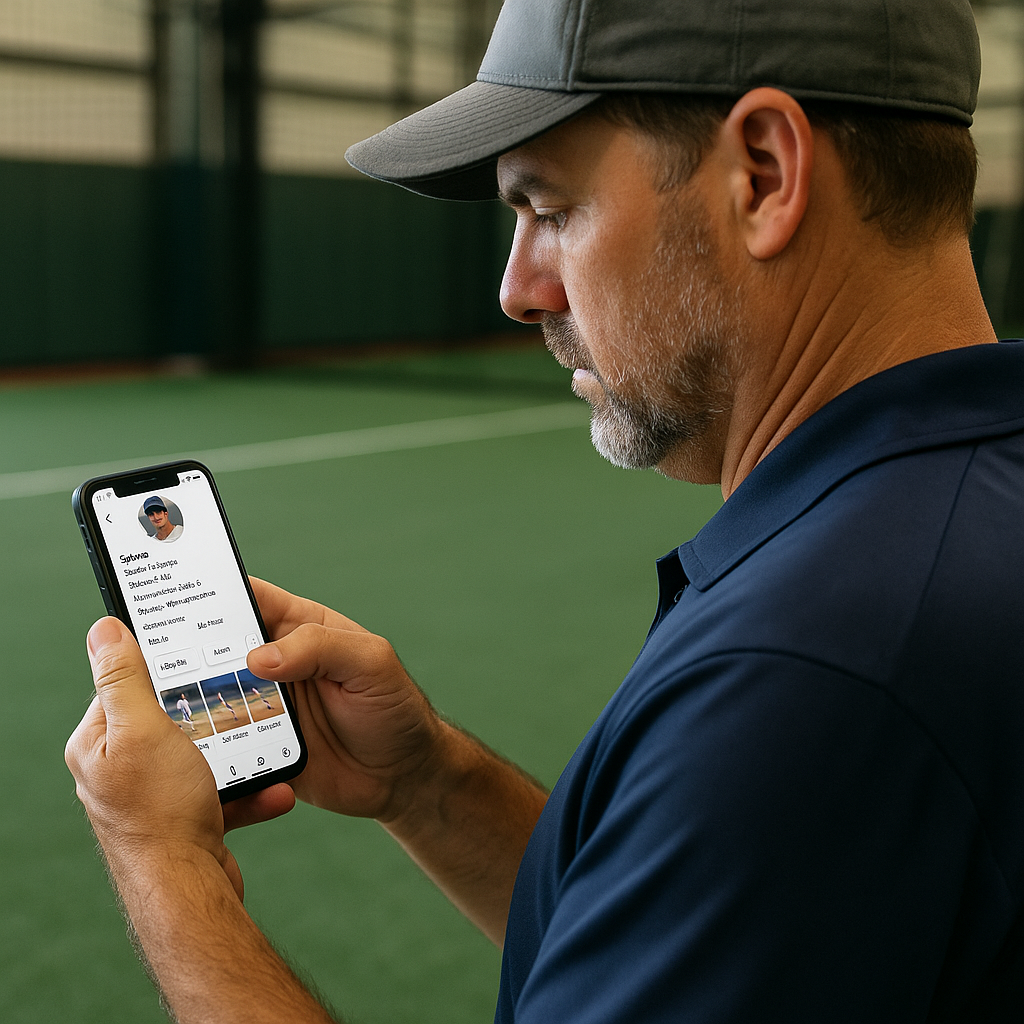
This is the unglamorous part, but it can make your social profile much easier for coaches to use during recruiting. I learned it the hard way after a summer tournament when a coach DM'd me (as a travel coach) asking for a kid's info, and I realized his profile was a maze of memes, old jersey edits, and one highlight pinned from two years ago. So build your profile for scanning.
Start with the top line. Put your grad year and primary position somewhere clearly visible in your profile bio. Add your height/weight if you want, but don't make it the headline. Then include three things coaches may need to find quickly:
- Your school and summer program (team name, not a slogan).
- A contact line that is usable: your email, and if you're comfortable, a parent/guardian email too. If you're sharing a phone number, double-check that it doesn't have any missing digits. It happens more than you'd think.
- A single link that goes somewhere clean: a short player page, a video playlist, or a simple Google Drive folder with labeled clips.
Then use pinned posts strategically. I like three pinned posts because they give a coach a quick overview: one in-game at-bat, one defensive sequence from your actual spot (shortstop footwork looks different than third, and coaches notice), and one pitching or throwing clip if it's relevant for you. Label them in the first line of the caption so nobody has to guess: Game AB, SS defense, Bullpen.
Finally, remove posts that distract from your recruiting profile. If a coach scrolls through three posts and they're all retweets, drama, or inside jokes, they'll assume the rest is noise, too.